Introduce
🎃 Happy Halloween! 🎃
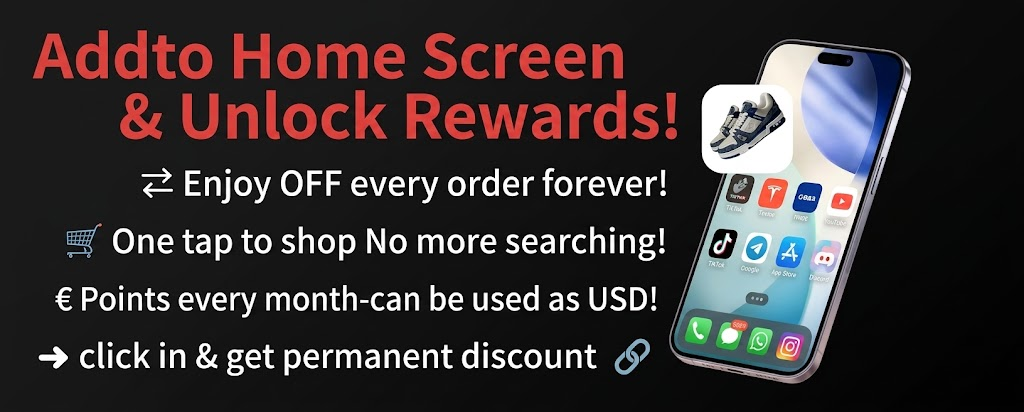
· Part 1: Add to Home Screen & Unlock Rewards!
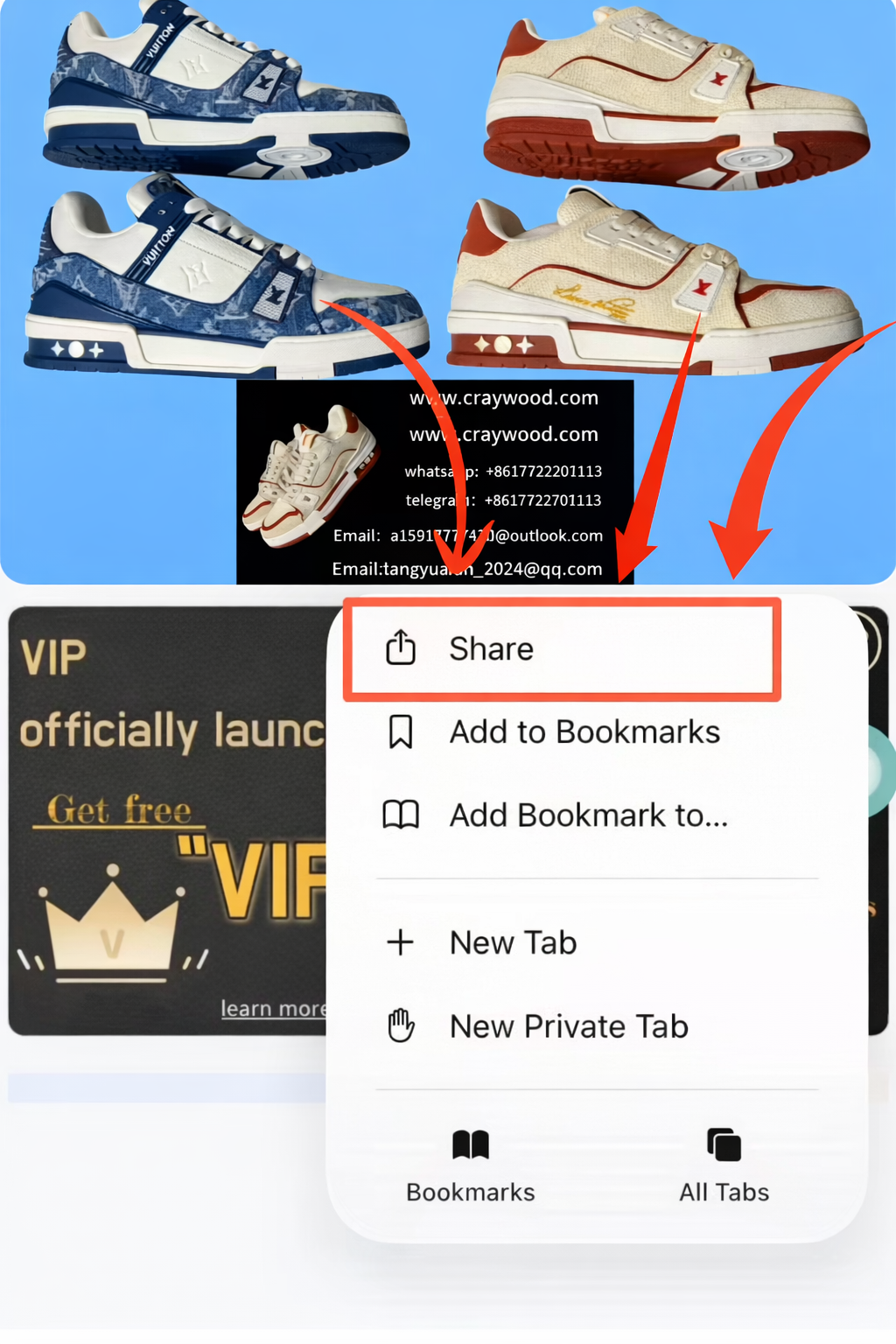
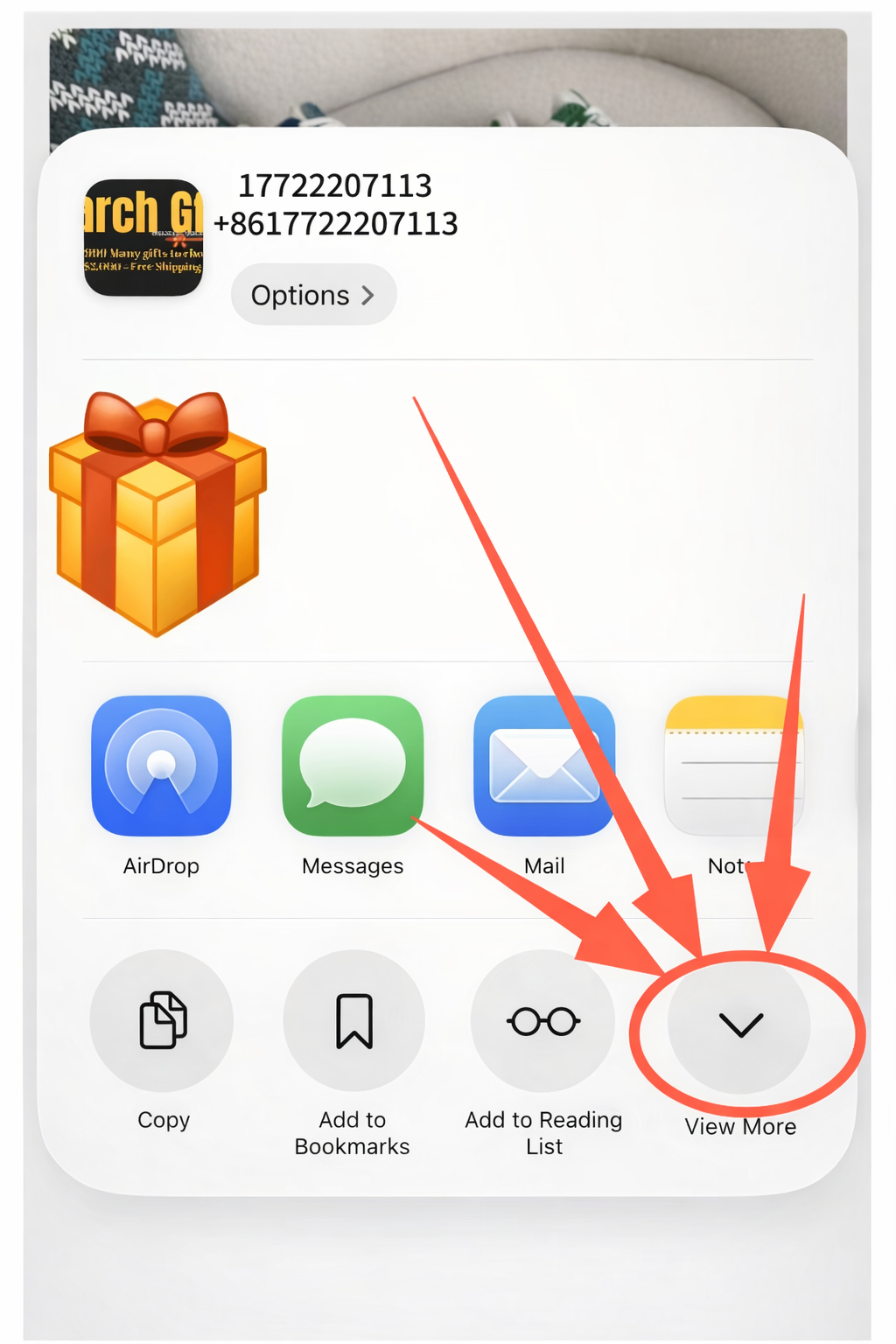
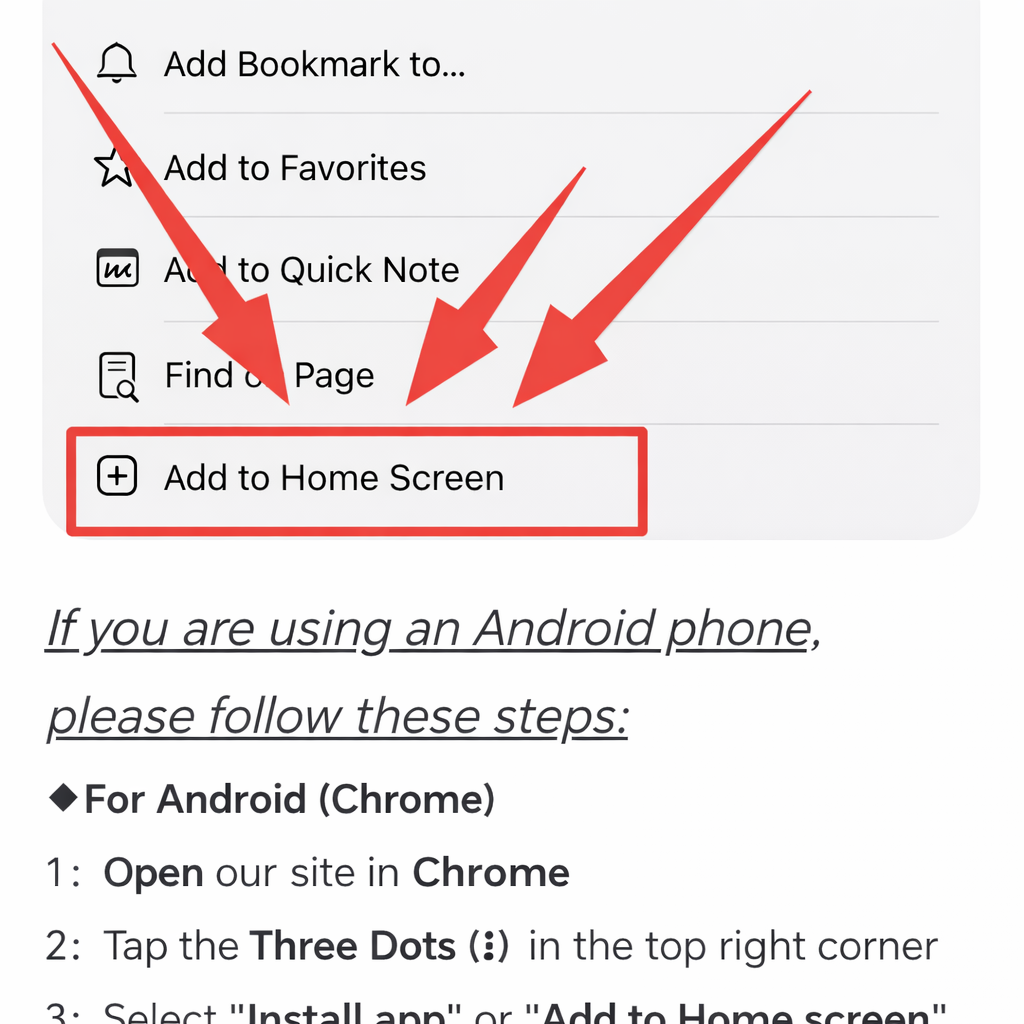
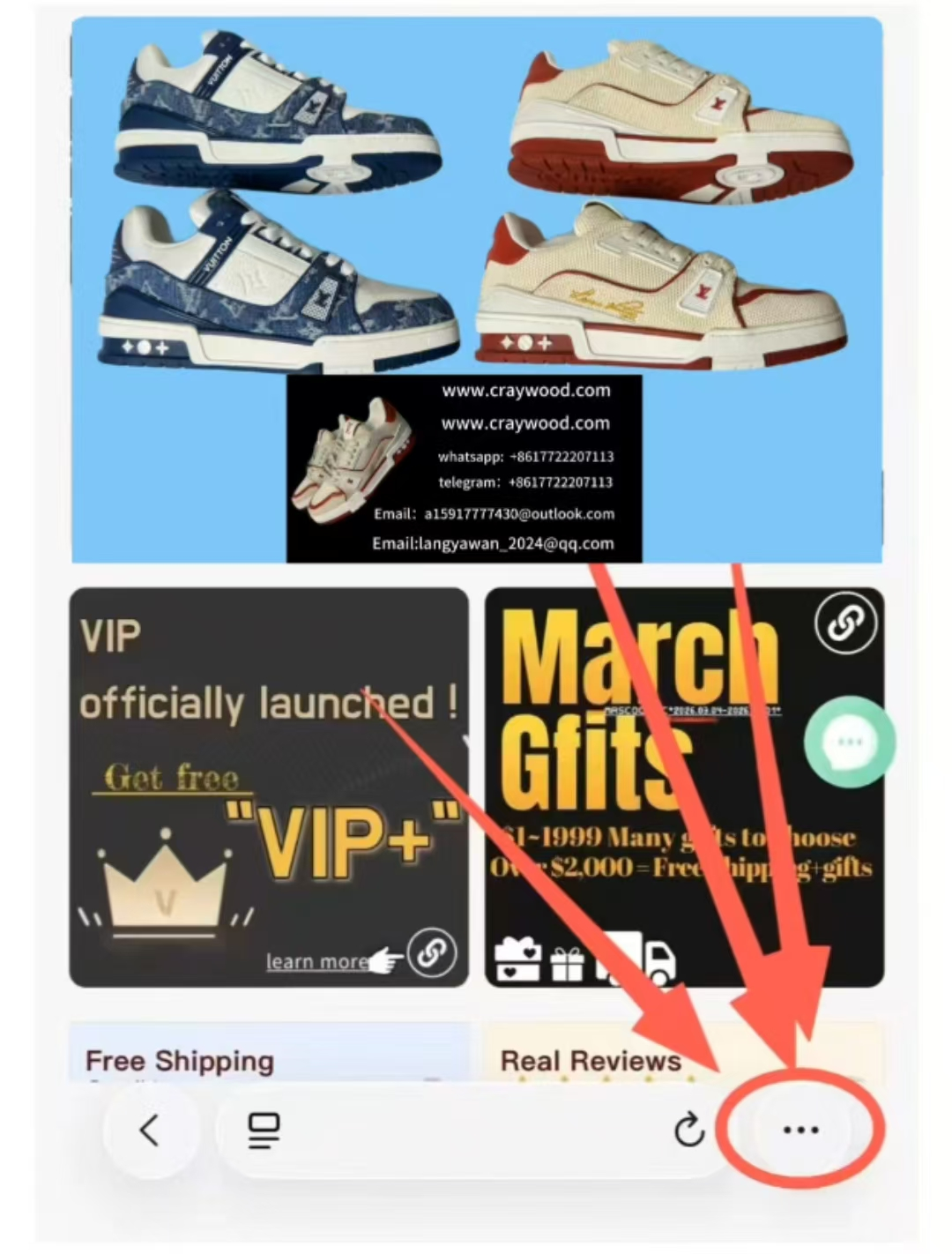
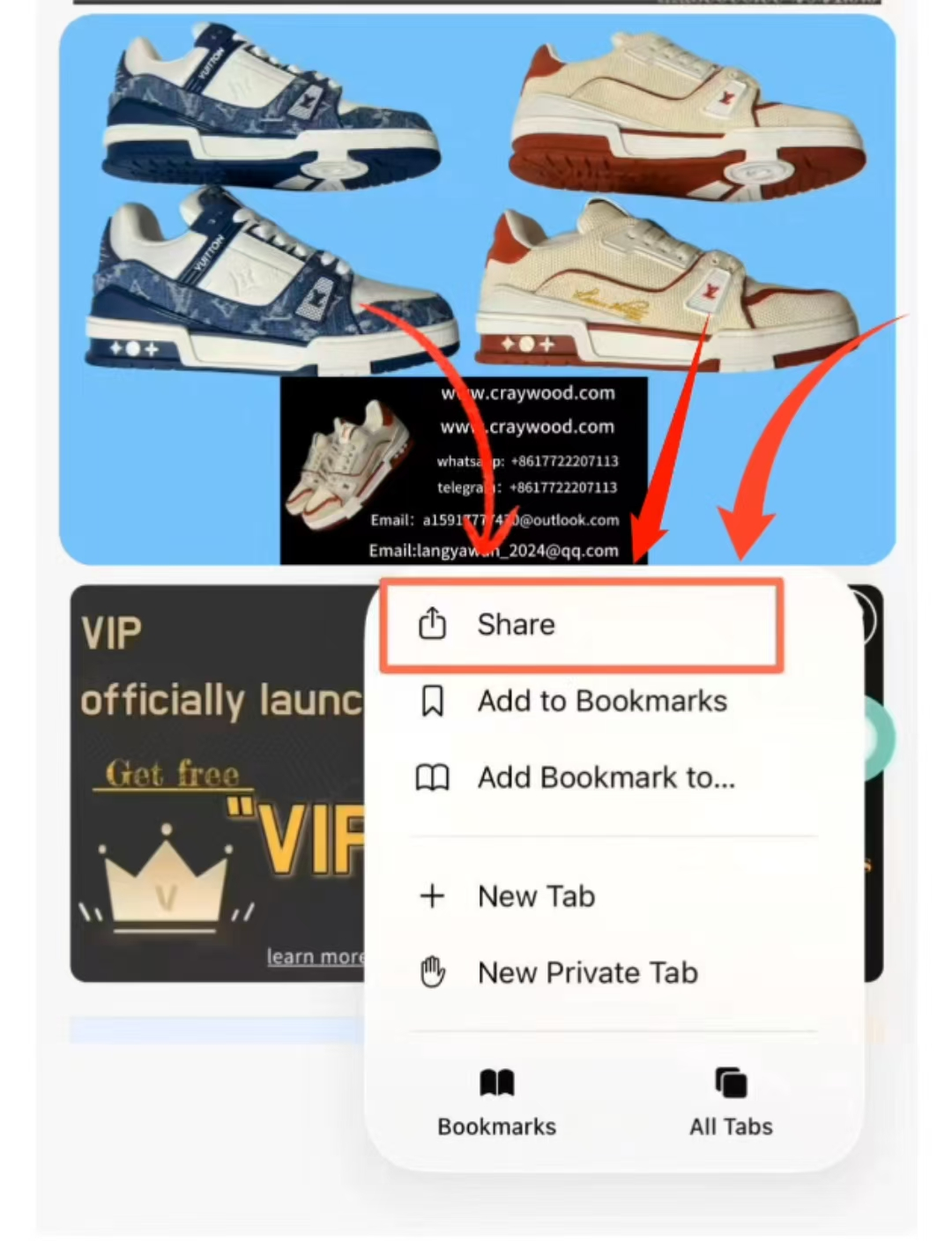
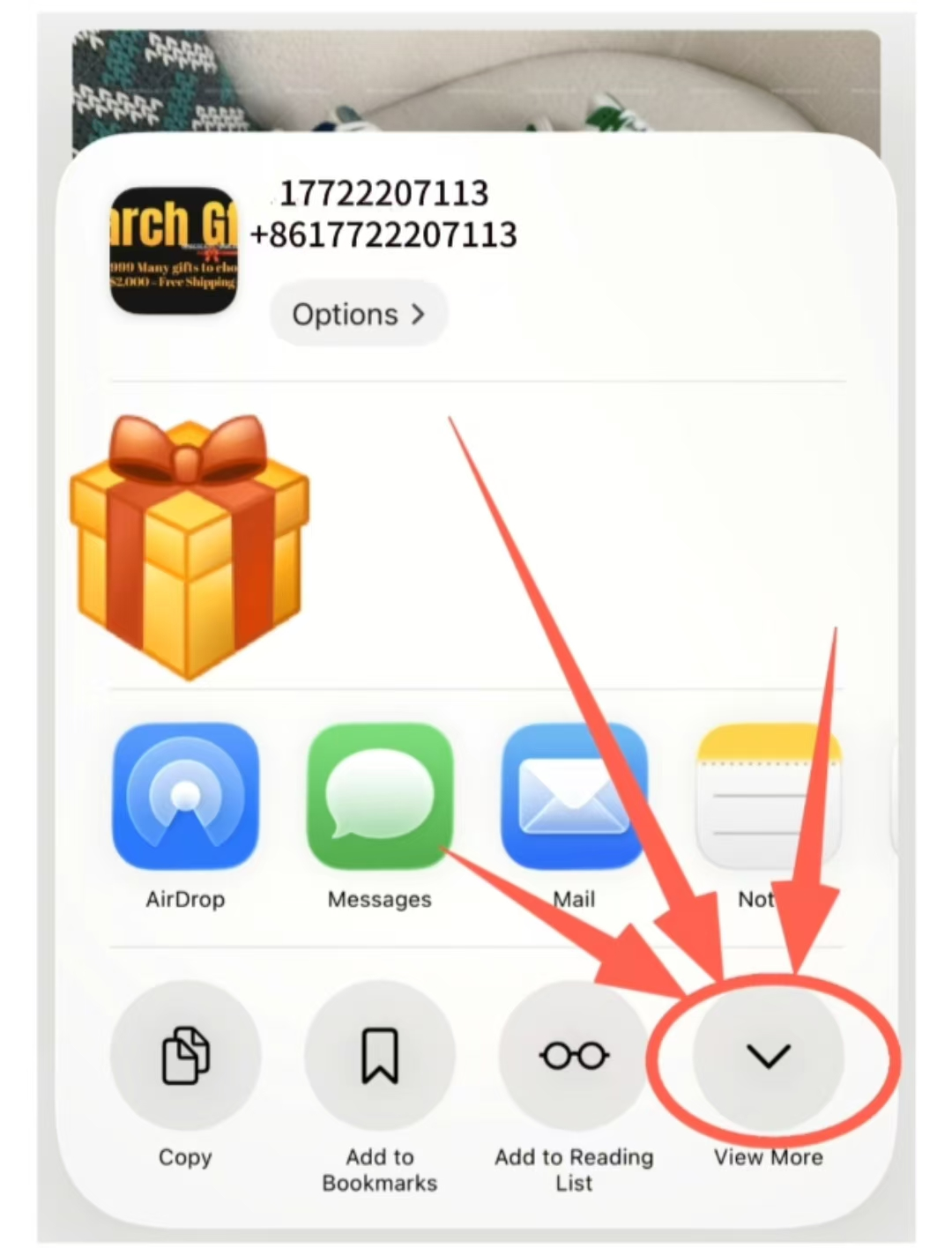
- 1: Please follow the steps in the video or image. ( At the bottom )
After completion, take a screenshot and send it to our WhatsApp to receive a permanent discount and 15 free points per month! - 2: Free shipping: For orders over $2000 USD, please contact our WhatsApp customer service for a free shipping discount! ( Normal shipping )
- 3: On the website homepage, you can find a “Limited-Time Discount” section with discounts exceeding 50%!
· Part 2:
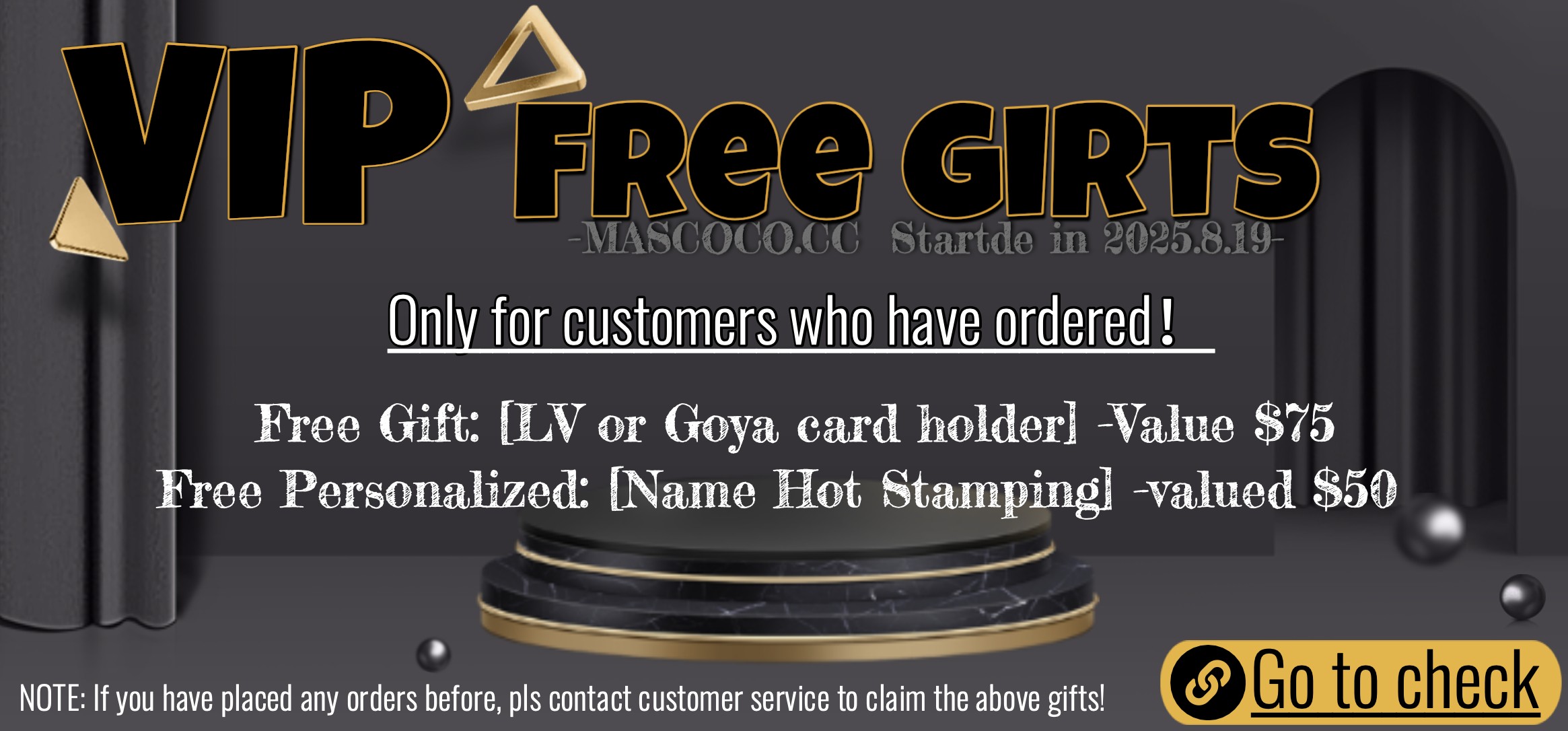
Any customer who has placed an order can contact customer service to get an exclusive customized gift! Free gift and free name hot stamping service! (Figure 1)
Part 3:
Halloween Event Details:
Every order comes with a gift, and the gift varies based on the order amount.
Order amount exceeds:
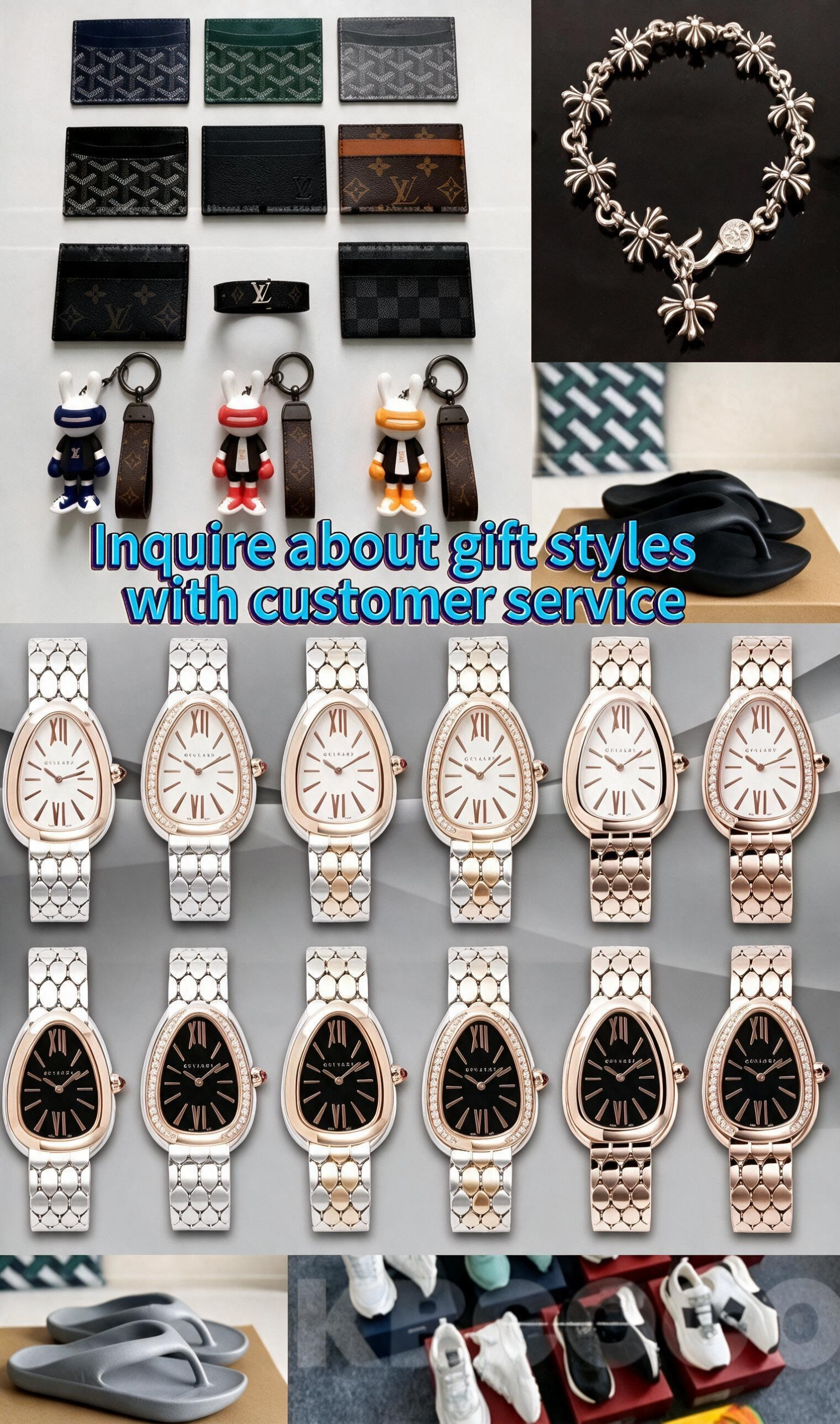
- $99 : LV Keychain 🔑 .(Fig 4)
- $299 : LV or Goyard card holder 💳 .(Fig 1)
- $399 : Random LV Short wallet 👛 .(Fig 2)
- $499 : Random LV long wallet 👛 .(Fig 2)
- $599 : Random T-shirt 👕
- $799 : Van Cleef & Arpels Bracelets + necklaces 🎁 (Fig 3)
- $999 : Free normal shipping ✈️ ( contact via WhatsApp )
- $1500 : Random jacket 🧥
- $3500 : designated Rolex ⌚ !(Fig 4)
- $6000 : Get all of the above 🔥
(If you need to specify the style of the gift, please contact WhatsApp customer service. By default, it is random. For some styles that require size, the size information left in your order will match the corresponding size. If there is no corresponding information, customer service will contact you.)
⚠️️ Product guarantee:
- All products can enjoy the same full-site ordering service as the original price products!
- There is only one gift, not all! (Excluding $6,000)
Figure 1:
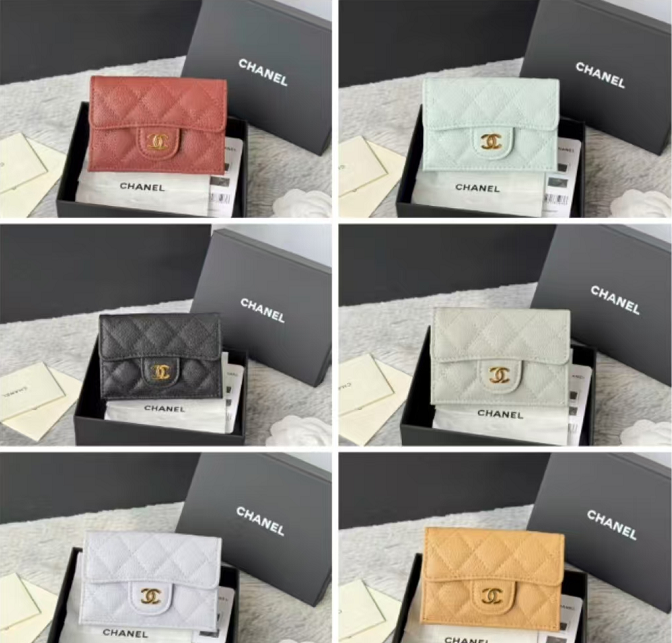
Figure 2:
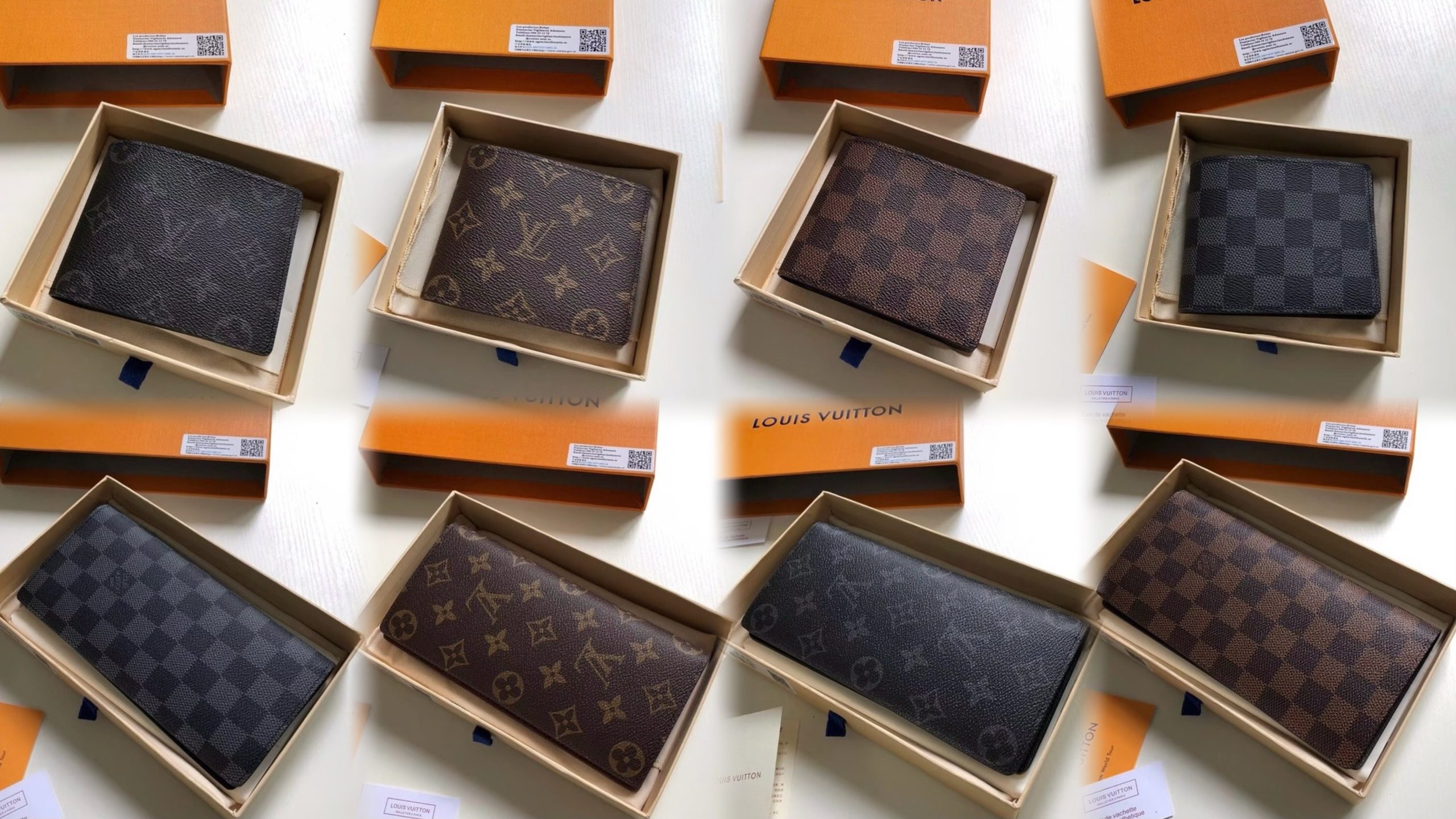
Figure 3:

Figure 4:
· How to Add to Home Screen (iOS):
Please follow the numbered steps below:
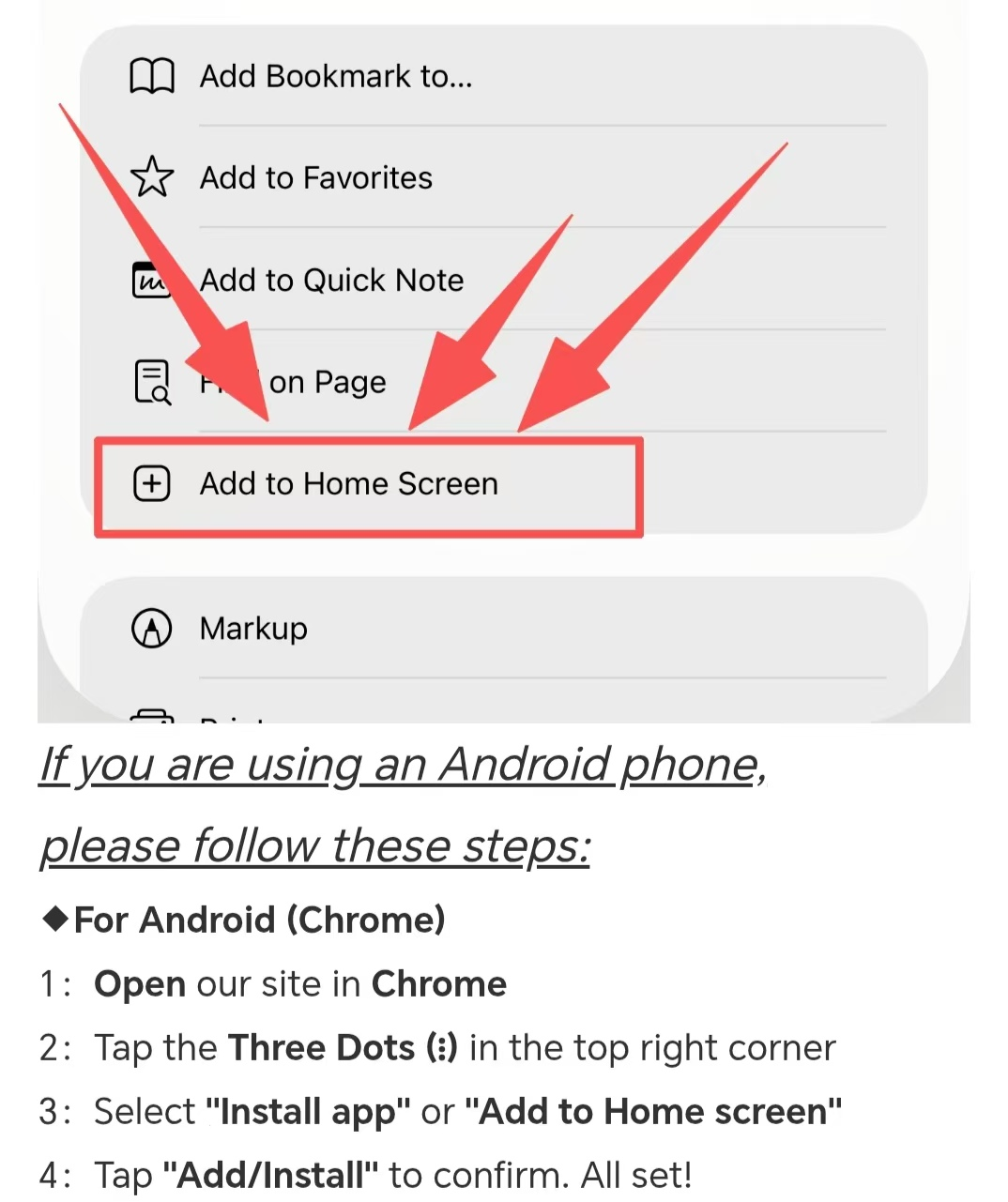
If you are using an Android phone,
Please follow these steps:
◆ For Android (Chrome)
- 1: Open our site in Chrome
- 2: Tap the Three Dots (⋮) in the top right corner
- 3: Select “Install app” or “Add to Home screen”
- 4: Tap “Add/Install” to confirm. All set!